What Is Consistent Character AI Video? (Plain-English Guide)
Consistent character AI video means the same character — same face, outfit, and style — appears across every AI-generated scene. Here is why that is hard, and how it works.
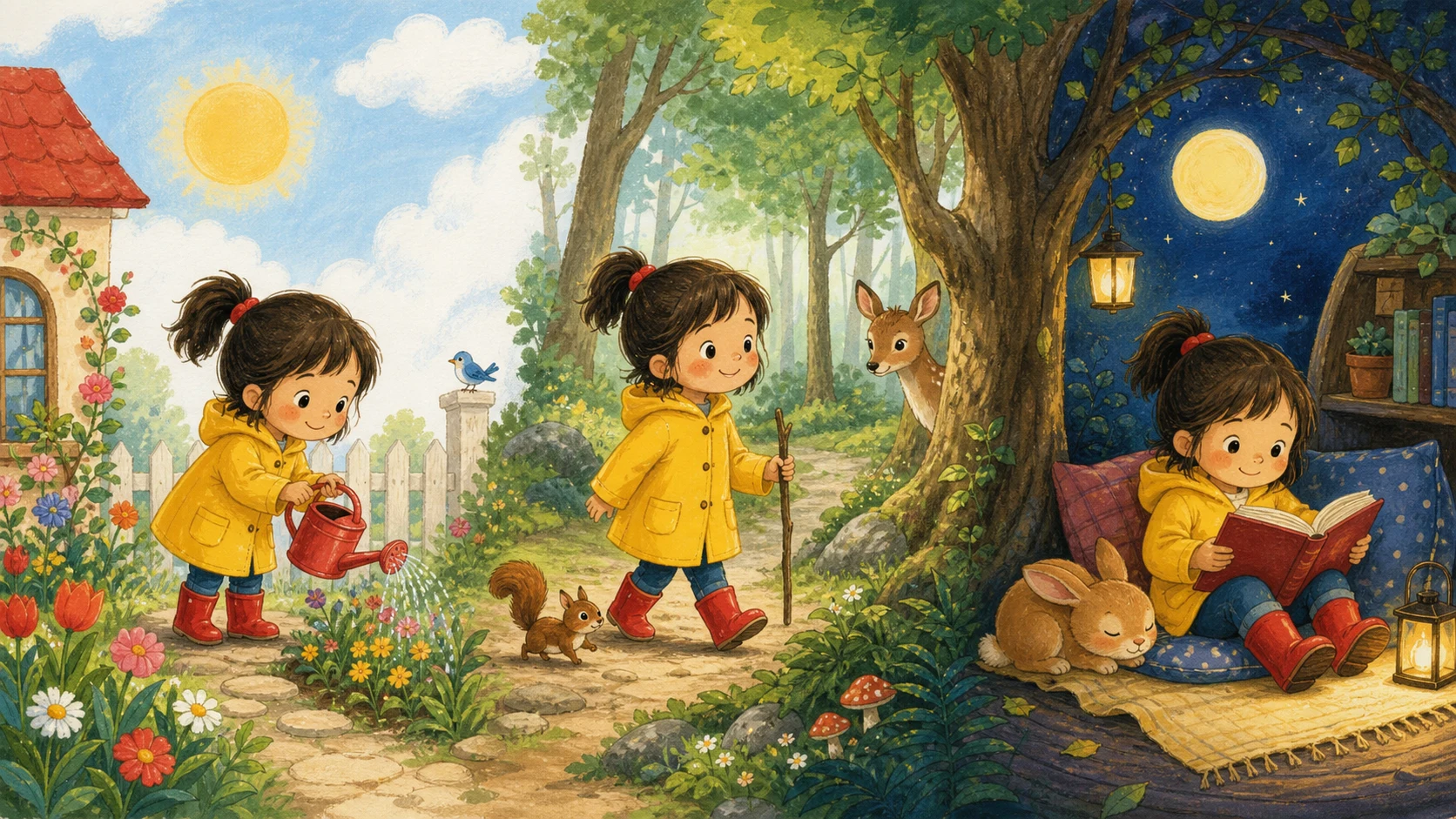
Consistent character AI video is AI-generated video in which the same character — the same face, outfit, proportions, and art style — appears across every scene and shot. It is the difference between a story where your child stars in all three chapters, and a slideshow of three different kids who vaguely resemble each other.
Why character consistency is hard for AI
Image and video models generate each output fresh from a text prompt. Ask a model for "a small girl with red boots in a forest" five times and you will get five different girls: the model has no memory of the character it drew last time. This failure mode is called character drift, and it is the single biggest obstacle to using AI for storytelling — a story only works if the audience believes it is the same hero from scene to scene.
How consistency is achieved
Modern tools solve drift with some combination of these techniques:
- Reference locking (character sheets). Generate one canonical illustration of the character first — face, outfit, color palette — and pass that image as a reference into every subsequent scene generation, instead of relying on the text prompt alone.
- Style anchoring. Constrain the art style (line weight, palette, rendering) so scenes look like pages of the same book, not outputs of different models.
- Image-to-video generation. Generate a still of each scene with the locked character first, then animate that still — so the video model inherits the already-consistent character rather than inventing one.
This is the approach KidStoryVideo uses: your character's face, outfit, and palette are locked after the first illustration, and that same reference drives every scene of the story video.
What to look for in a consistent character AI video generator
- Automatic reference reuse — you should not have to re-upload or re-prompt the character for every scene.
- A character sheet you can see — front, side, and back poses make drift visible before you spend credits on video.
- Kid-appropriate styles and stories if your use case is children's content — art direction built for bedtime stories rather than adapted from ad templates.
- Fast end-to-end pipeline — reference image, script, and video in one flow, not three separate tools.
Common use cases
- Personalized children's stories — your child as the recurring hero of bedtime story videos (this is what KidStoryVideo is built for).
- Birthday and keepsake videos — a short story starring the birthday kid.
- Classroom content — a familiar mascot character across lesson videos.
- Serialized storytelling — any story with more than one scene needs a character the audience recognizes.
Frequently asked questions
Is consistent character AI video the same as a "character reference" in image tools?
Character reference features (in image generators) solve consistency for still images. Consistent character AI video extends that across moving scenes, which is harder: the character must survive both scene-to-scene generation and animation.
Can I get character consistency from a general-purpose AI video tool?
Often partially, with manual work: maintaining reference images, careful prompting, and regenerating failed scenes. Dedicated tools automate the reference pipeline. See our comparison of kids story video tools.
How consistent is "consistent"?
Expect the face, outfit, palette, and overall design to hold across scenes. Small frame-to-frame variations in expression or pose are normal — the goal is that a viewer (especially a child) instantly recognizes the hero in every scene.