KidStoryVideo vs Topview vs Mootion vs Childbook.ai: Kids Story Video Tools Compared
An honest comparison of AI tools parents use to turn a child into a story: dedicated kids story video generation vs general video platforms vs static picture books.
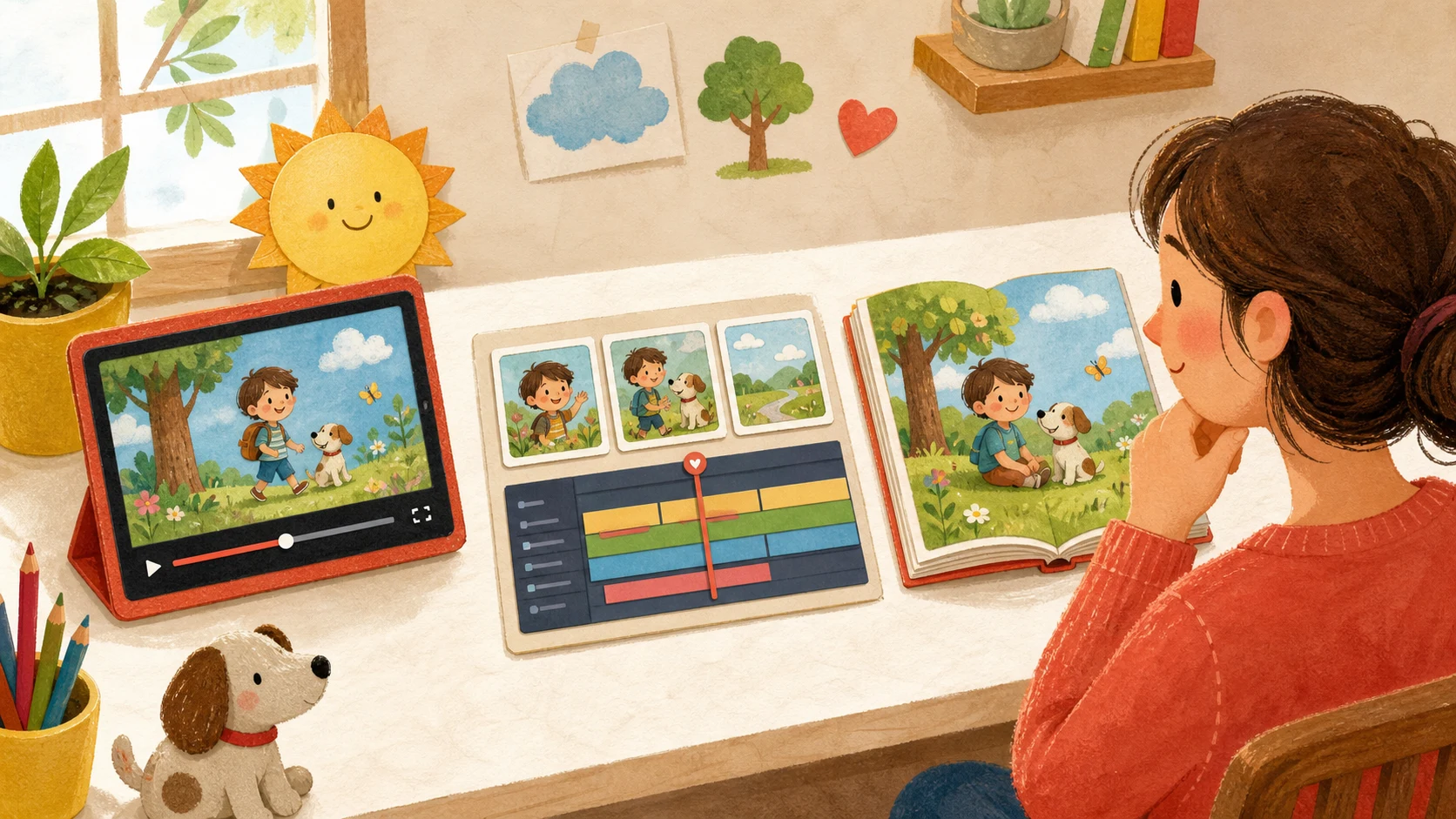
If you want to turn your child into the hero of an animated story, you will run into three very different kinds of AI tools: dedicated kids story video generators (KidStoryVideo), general-purpose AI video platforms that offer kids content as one of many use cases (Topview, Mootion), and AI picture book generators that produce static illustrated books rather than video (Childbook.ai). This page compares them on the dimensions that actually matter for a children's story: character consistency, output format, and how much work it takes to get a finished result.
Last reviewed: July 2026. Product details change — always check each tool's own site for current features and pricing.
Quick comparison
| Dimension | KidStoryVideo | Topview | Mootion | Childbook.ai |
|---|---|---|---|---|
| Primary focus | Kids story videos with one consistent character | Marketing / UGC-style AI video | General AI animation and storytelling | AI children's picture books |
| Output | 15-second animated story video (480p / 720p / 1080p) | Edited story video with customization | Full video from prompts, scripts, audio, files, or links | Illustrated book with online/PDF/print options and narration |
| Character workflow | Confirmed reference image plus reusable character card | Accepts text, images, and video; public story page emphasizes editing | Public site emphasizes end-to-end cinematic storytelling and templates | Public site explicitly offers photo-based, consistent book characters |
| Built for children's stories | Yes — the entire product | One use case among many | One use case among many | Yes, but books, not video |
| Languages | English and Chinese | Multiple | Multiple | Multiple |
The core difference: dedicated vs general-purpose
Topview and Mootion are broad video platforms whose public sites list children's stories among many use cases. KidStoryVideo and Childbook.ai are narrower products: one focuses on short story video, while the other focuses on illustrated books.
- Character review. KidStoryVideo requires you to confirm a reference illustration before video generation and stores a reusable character card. The comparison does not claim that broad platforms cannot maintain a character; their workflows and controls differ.
- Workflow length. On a general platform you assemble the pipeline yourself: design a character, write a script, generate scenes, stitch them. KidStoryVideo runs that as one pipeline — describe your child, pick a story, and the reference image, script, and video are generated end-to-end in minutes.
- Guardrails. Templates, art styles, and story structures in KidStoryVideo are all built for children's content — bedtime stories, birthdays, classroom moments — not adapted from ad templates.
When each tool is the right choice
- Choose KidStoryVideo if the goal is a short, personalized story video starring one consistent child character — a bedtime story, a birthday keepsake, or a classroom treat — without managing an AI video pipeline yourself.
- Choose Topview if you mainly produce marketing or UGC-style videos and a kids video is an occasional side project.
- Choose Mootion if you want a general animation tool for many kinds of stories and formats, and you are comfortable doing more setup per project.
- Choose Childbook.ai if you specifically want a book — static illustrated pages to read or print — rather than a video.
Frequently asked questions
Can general AI video tools keep a child's character consistent?
Capabilities vary by tool and model. Look for a confirmed visual reference, reusable character description, and a review step rather than relying on a general “consistent” claim.
Is a picture book generator a substitute for a story video?
They are different products. A picture book (Childbook.ai) gives you static pages to read together; a story video gives you motion, pacing, and a watchable clip you can play at bedtime or share for a birthday. Many families use both.
How long does a KidStoryVideo story take to make?
A finished 15-second story video is typically generated in a few minutes end-to-end — reference image, an editable story plan with narration and dialogue, then the video with sound. You can review the plan before generation and leave the page while the video finishes in the background.
Related reading
Sources checked
Product descriptions were last checked on July 13, 2026: Topview story video generator, Mootion official site, and Childbook.ai story book generator. This comparison describes public product positioning and workflows, not an independent output-quality benchmark.